
Your saved posts,
all in one place.
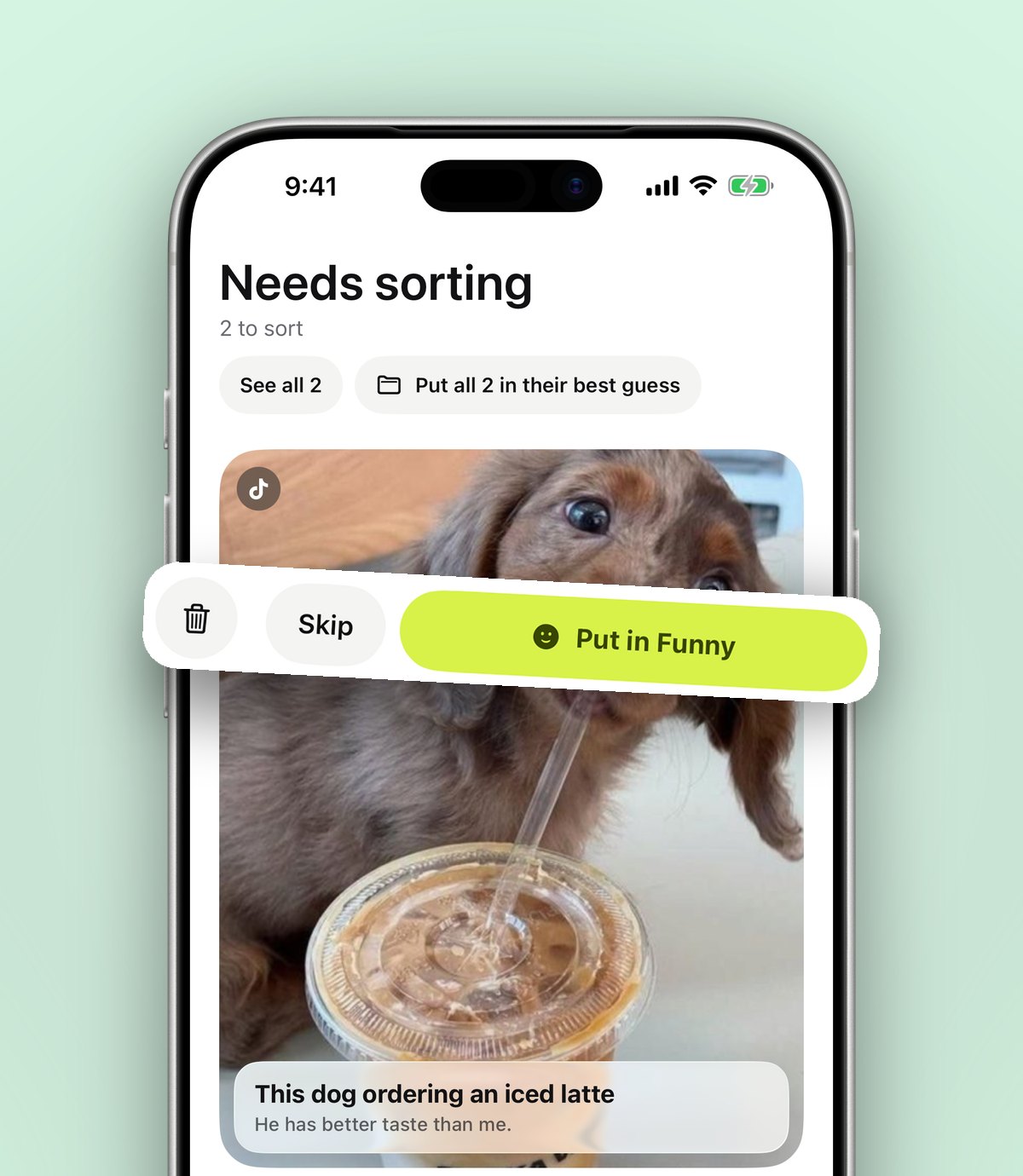
See a recipe, a workout or a place on Instagram, TikTok or YouTube? Share it to anoli. It lands in the right folder, ready to find later.
iPhone and iPad. Free to start.
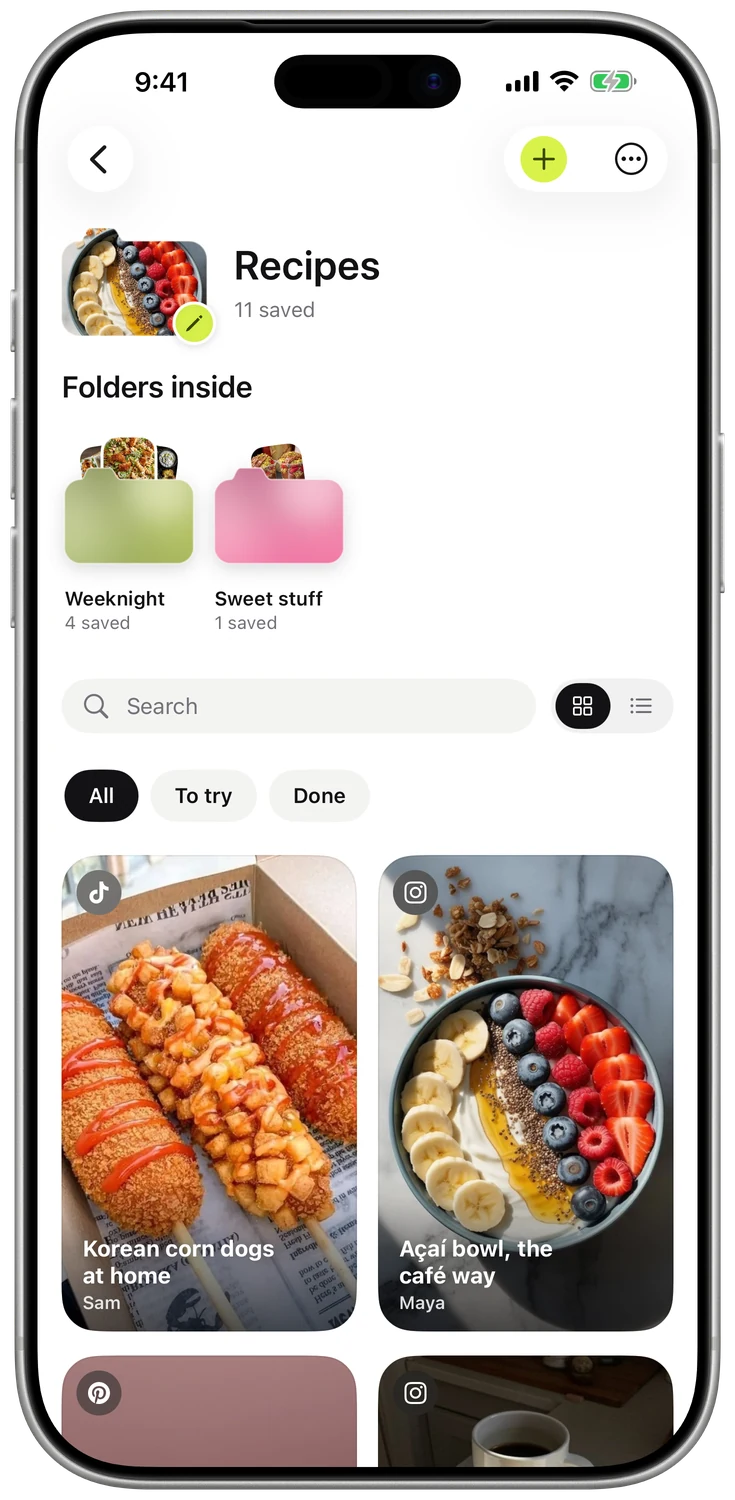
SAVED FROM
Instagram, TikTok, YouTube

SAVE FROM ANYWHERE
Instagram, TikTok, YouTube or any website.
Tap Share on a reel, a video, a post or a web page and choose anoli. It reads the caption and files it into the right folder, so you can find it again when you need it.
- TikTok
- YouTube
- X
- Threads
- Safari and any website
- 1Tap Share
- 2Choose anoli
- 3It lands in a folder
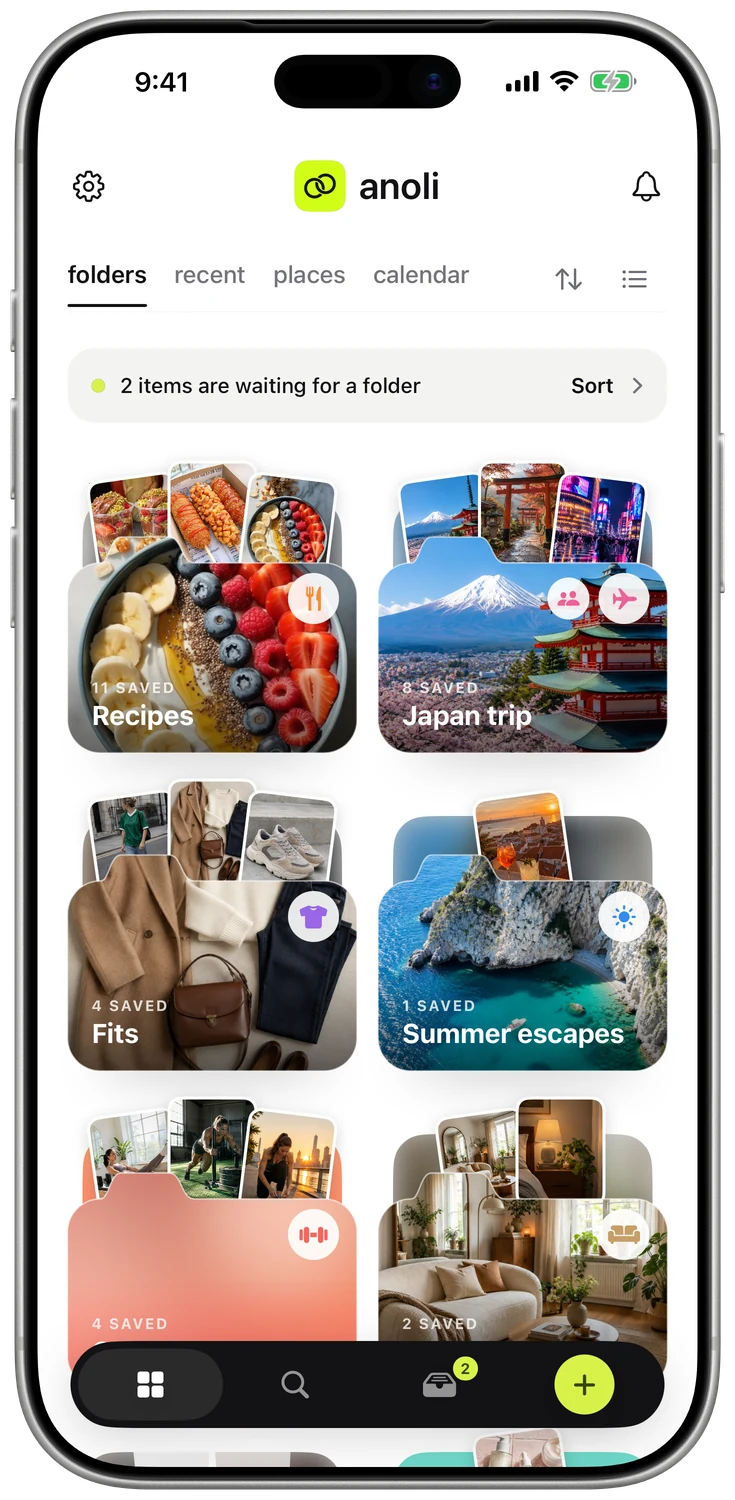
Your saves peek out of their folders.
Recipes, workouts, the trip you keep meaning to plan. One look and you know what’s inside.
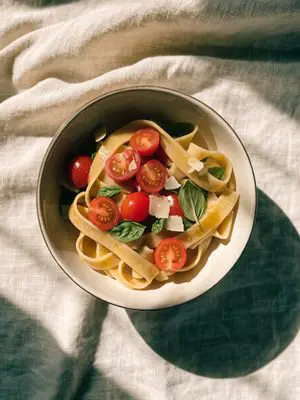
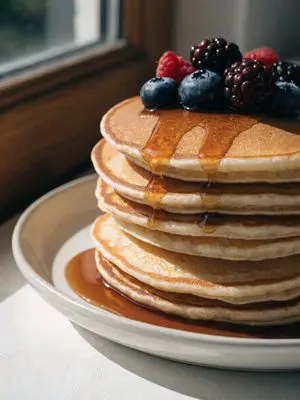



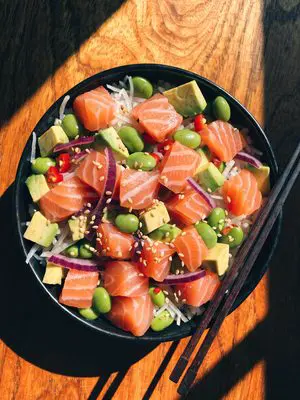

Three anoli folders, Recipes, Workouts and Travel, each with its latest saves peeking out over the top.
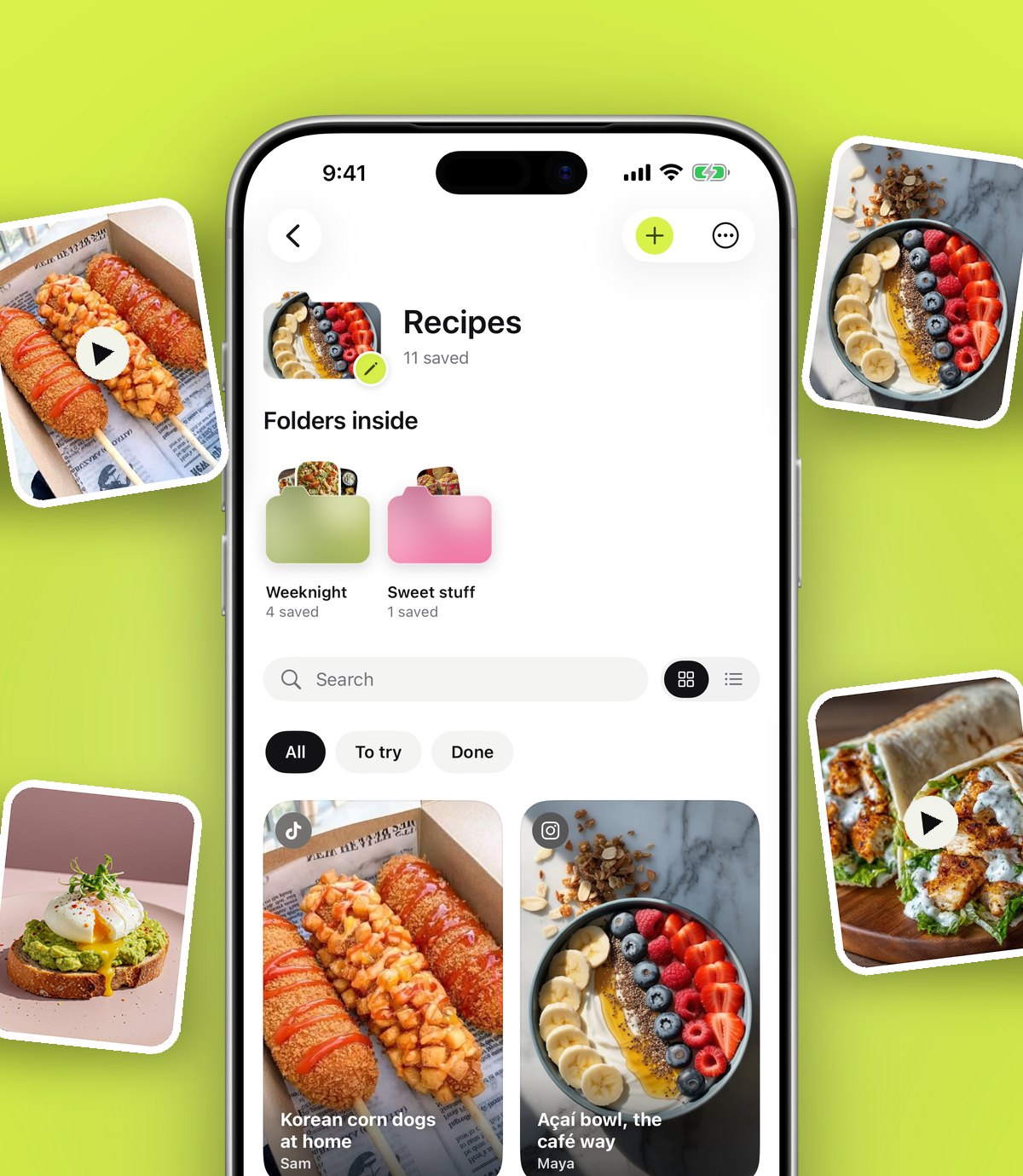
A folder for everything, folders inside folders.
Every folder shows its three latest saves peeking out. Give it a photo cover, a colour or an emoji.
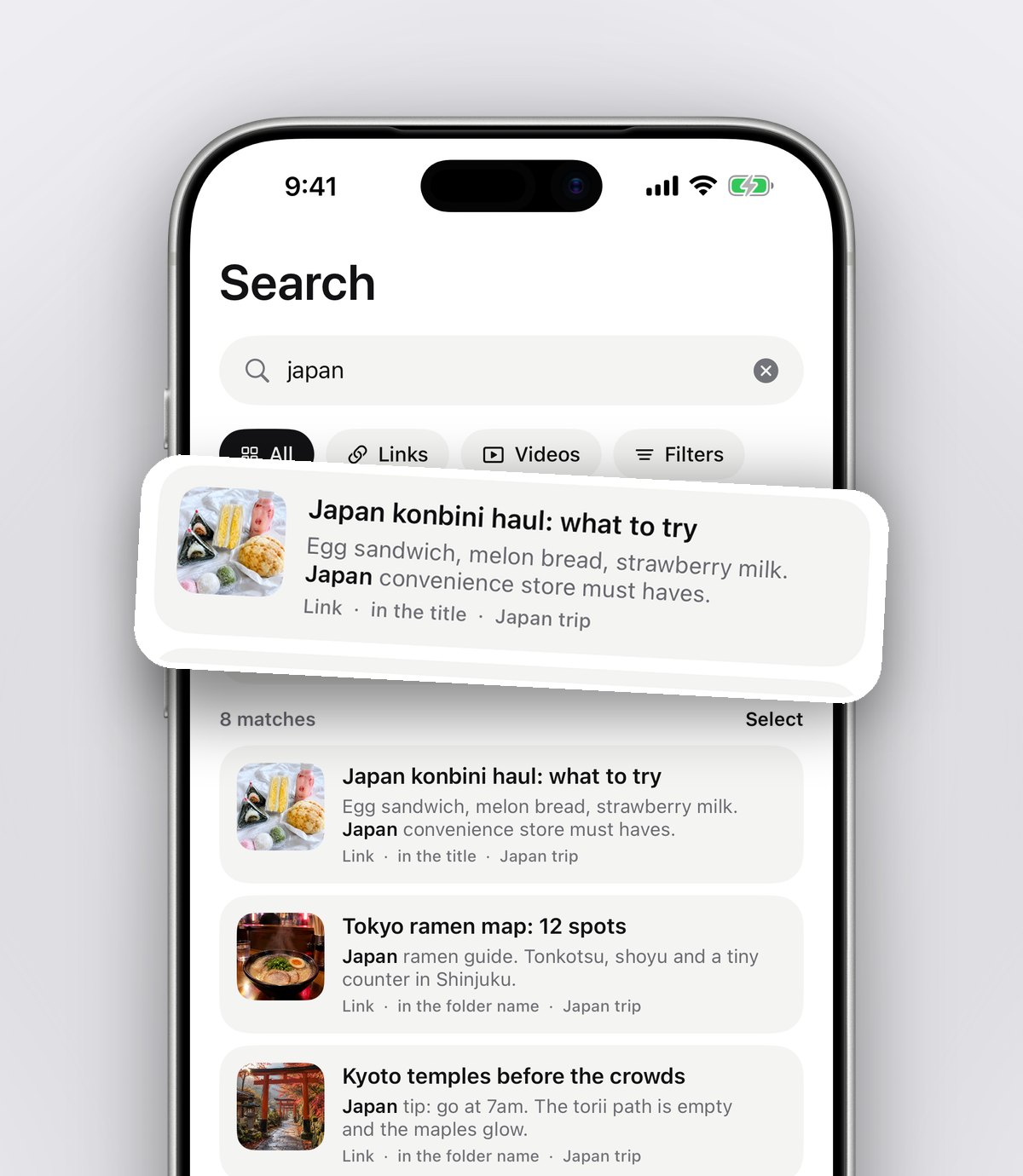
Find it by any word you remember.
Search looks inside captions, notes, transcripts, PDFs, tags and creators, and shows the line that matched.
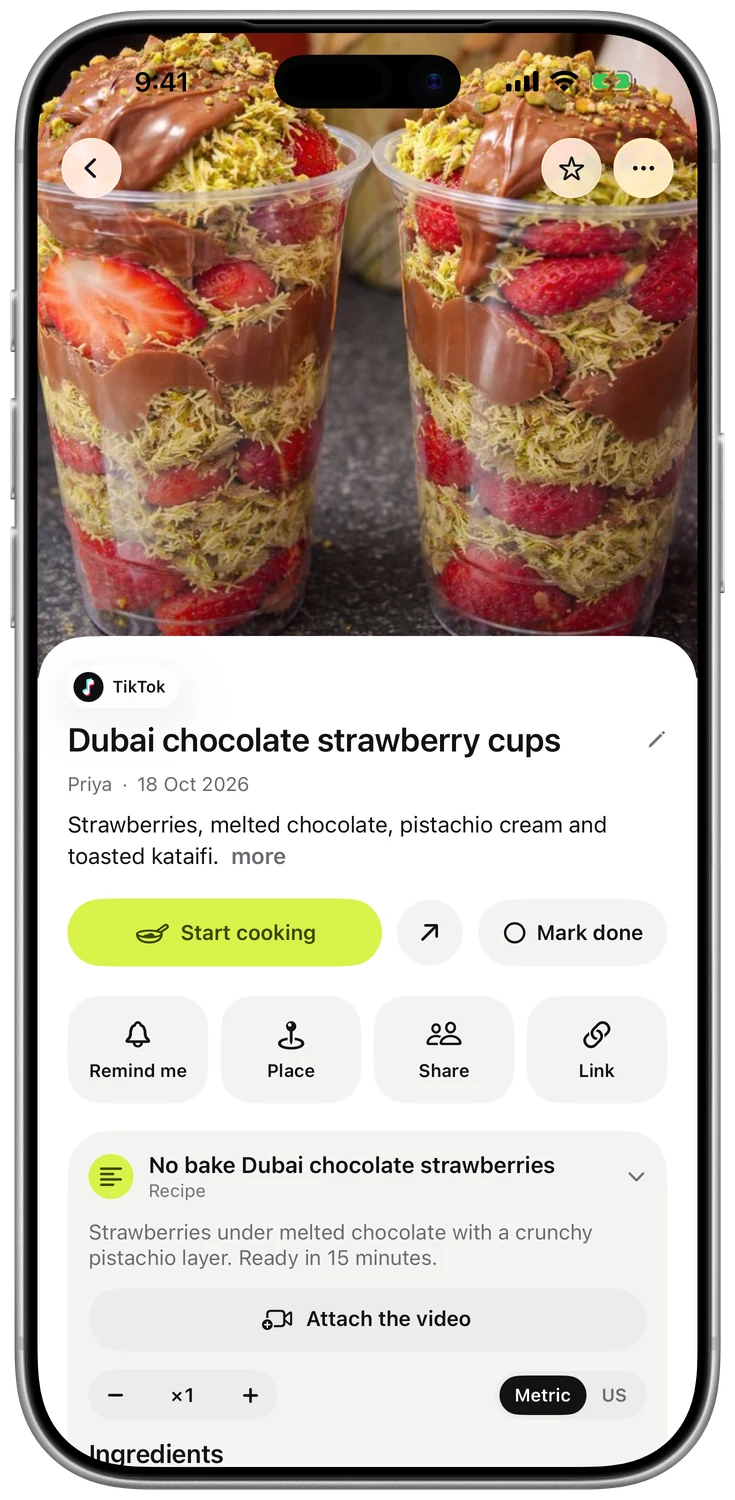
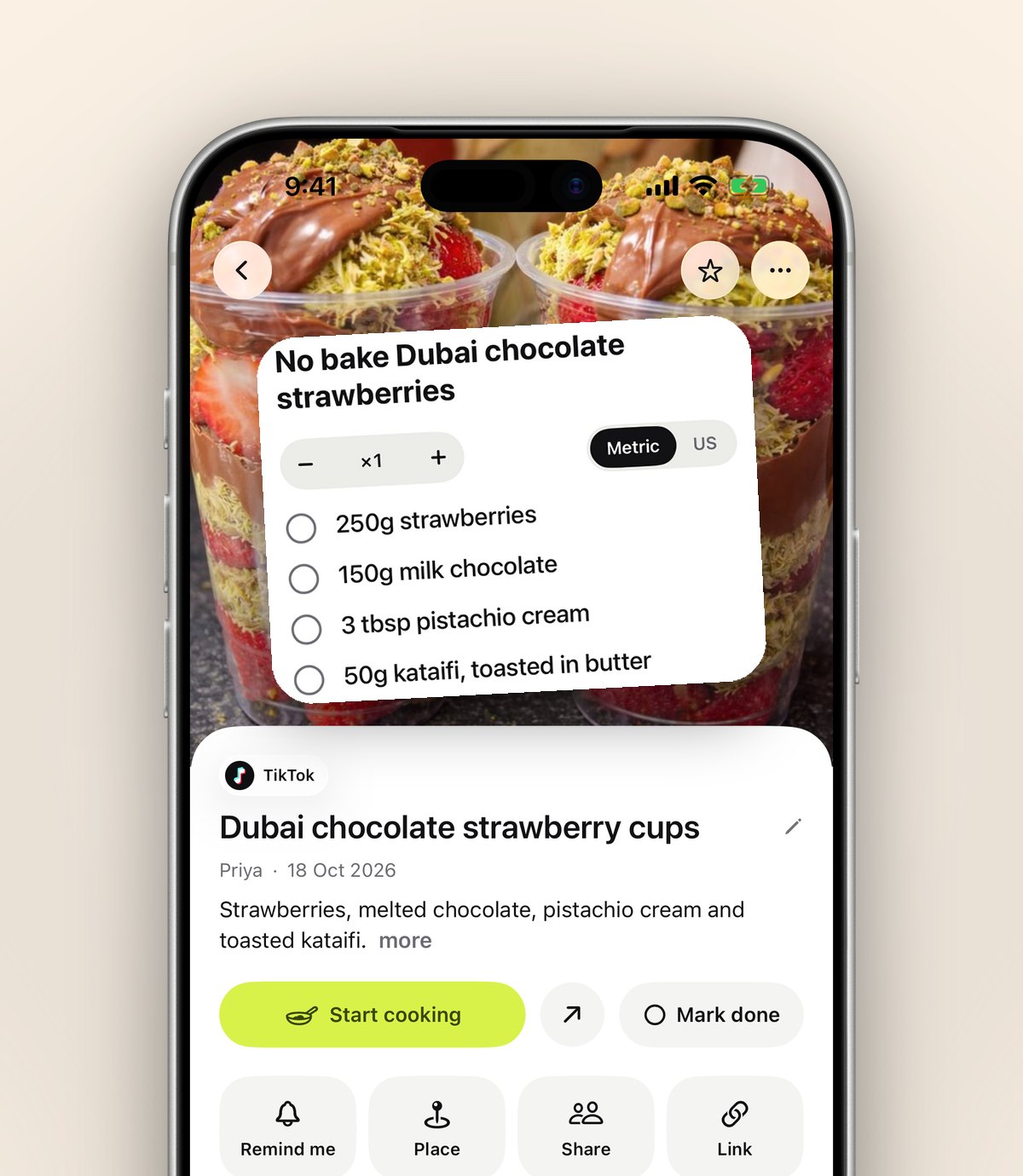
A recipe becomes ingredients and steps.
Tap Summarise and a caption turns into something you can cook from, train with or navigate to.
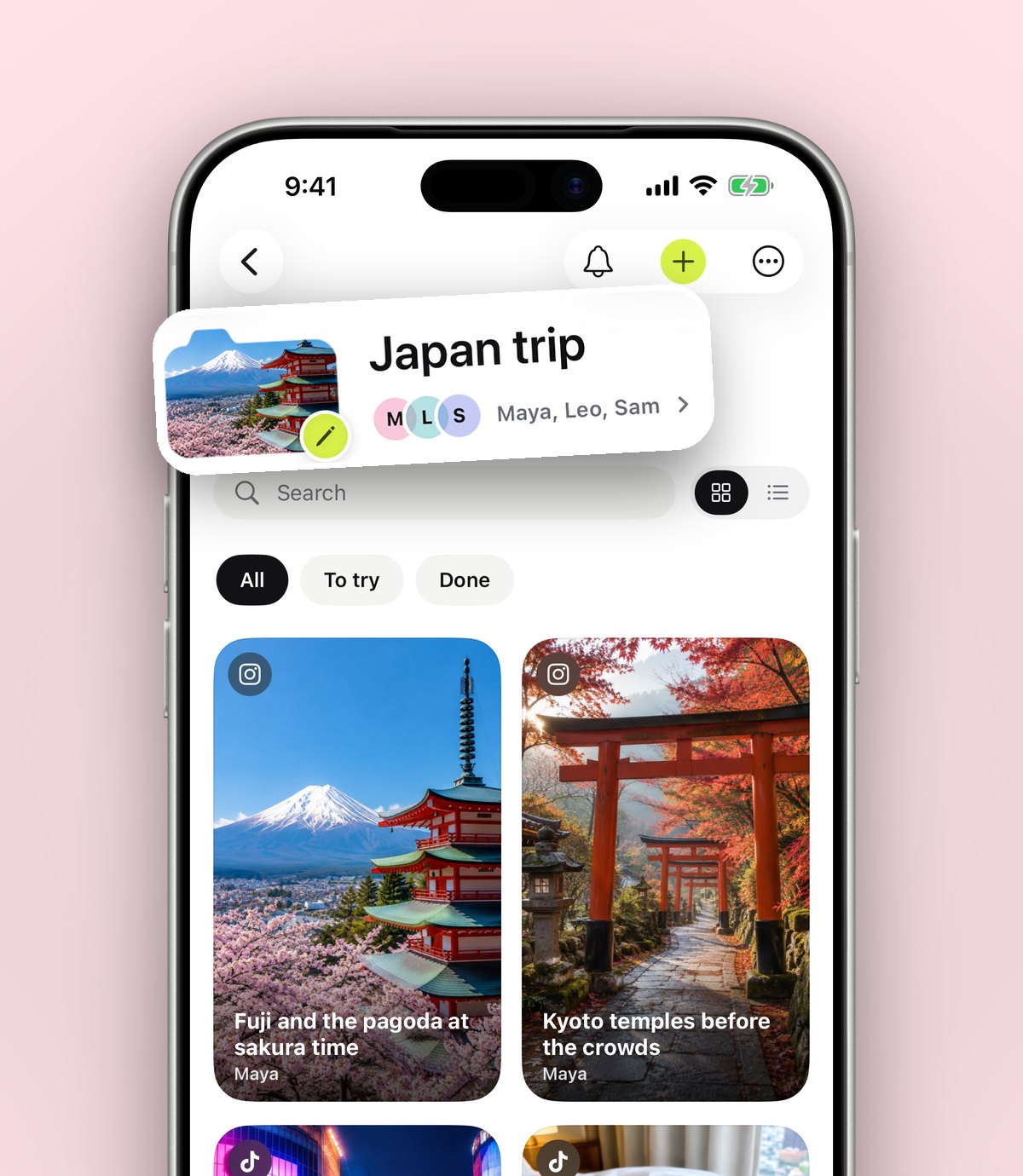
Folders with friends.
Send one link and a friend is in. Plan the trip in the folder you'll use on the trip, with reactions and comments on every save.
Everything you save, ready when you need it.
Cooking mode
Big steps, big buttons and the screen stays on.
Places on a map
See every café and viewpoint you saved before you go.
Reminders
Get a nudge to actually make it, wear it or book it.
Decide together
Can't pick where to eat? Swipe through the folder as a group.
Bring your old saves
Import saved posts from Instagram, TikTok and Pinterest.
From your laptop
Save any page with the Chrome extension, find it on your phone.
Your own books
Read EPUBs and PDFs and pick up at the exact page.
Always yours
Export everything as a zip, or delete it all, any time.
People are finally finding their saves again.
Finally somewhere to keep all the random stuff I find online!!
I save SO many recipes on Instagram and then can never find them again 😭 This makes organising everything so much easier
Been looking for something like this for ages. I can finally keep all my links, photos and notes together.
Really nice design and super easy to use. Excited to see what else they add!
I like that it's not complicated. Just save something and it's there when you need it.
As someone who has about 500 screenshots of things I'll probably never remember, I needed this lol
Downloaded it out of curiosity and ended up making folders for literally everything 😂
Really promising app. A few things could still be improved but the concept is great.
Wait this is actually so helpful
My Pinterest boards, screenshots and saved reels were getting out of control. This is a much nicer way to organise things.
I'm obsessed with organising things so this app is right up my street
Love being able to save things straight from Safari instead of copying links into my notes.
Love this app. Simple, clean and actually useful.
Honestly such a clever idea
The shared folders are my favourite part! My boyfriend and I have one for places we want to visit 🥹
okay but why did nobody tell me about this sooner???
Such a useful little app 💚
The recipe feature is brilliant. Makes following recipes so much less annoying.
Finally my saved TikToks have somewhere to live
I use it for travel planning mostly and love being able to keep all the places I find in one folder.
Clean interface, easy navigation and no unnecessary complications. Exactly what I wanted.
The fact that you can share folders with friends is such a good idea!!
Didn't think I'd use it that much but now I save things almost every day.
This is genuinely one of those apps that makes you wonder why it didn't exist already.
anoli Pro
£10 a year
Saving links is free. Pro is for when anoli becomes where you keep things.
- Unlimited saves
- Notes, photos and files
- Picture covers for folders
- Summaries and transcripts
- Folders with friends
- Everything that comes next
Charged through the App Store. Cancel any time in your iPhone settings.
Ideas for what to save next.
Questions
Is it free?
Yes. Your first saves are free, with no account and no card. anoli Pro is one yearly subscription that unlocks unlimited saves, notes, photos, files and picture covers for folders.
How much is Pro?
£10 a year, or the equivalent in your country. It's charged through the App Store and renews yearly until you cancel in your iPhone settings.
Which apps does it work with?
Anything with a share button: Instagram, TikTok, YouTube, Pinterest, X, Reddit, Threads, Facebook, Telegram, Safari and every other browser. Apple Notes too.
Where does my stuff go?
Your folders, links and notes sync to your account so they're safe if you lose your phone. Photos, videos and files you add stay on your phone, unless you put a photo in a folder you share or use it as a folder cover.
Can I get everything out?
Always. Settings has one button that exports every folder and save as a zip, laid out exactly like the app, and one that deletes your account on the spot.
Something else? Support is here.
Give your saves
a home.
Free to start, with no account and no card. On iPhone and iPad.