
How to save Instagram recipes so you can actually find them again
· 4 min read
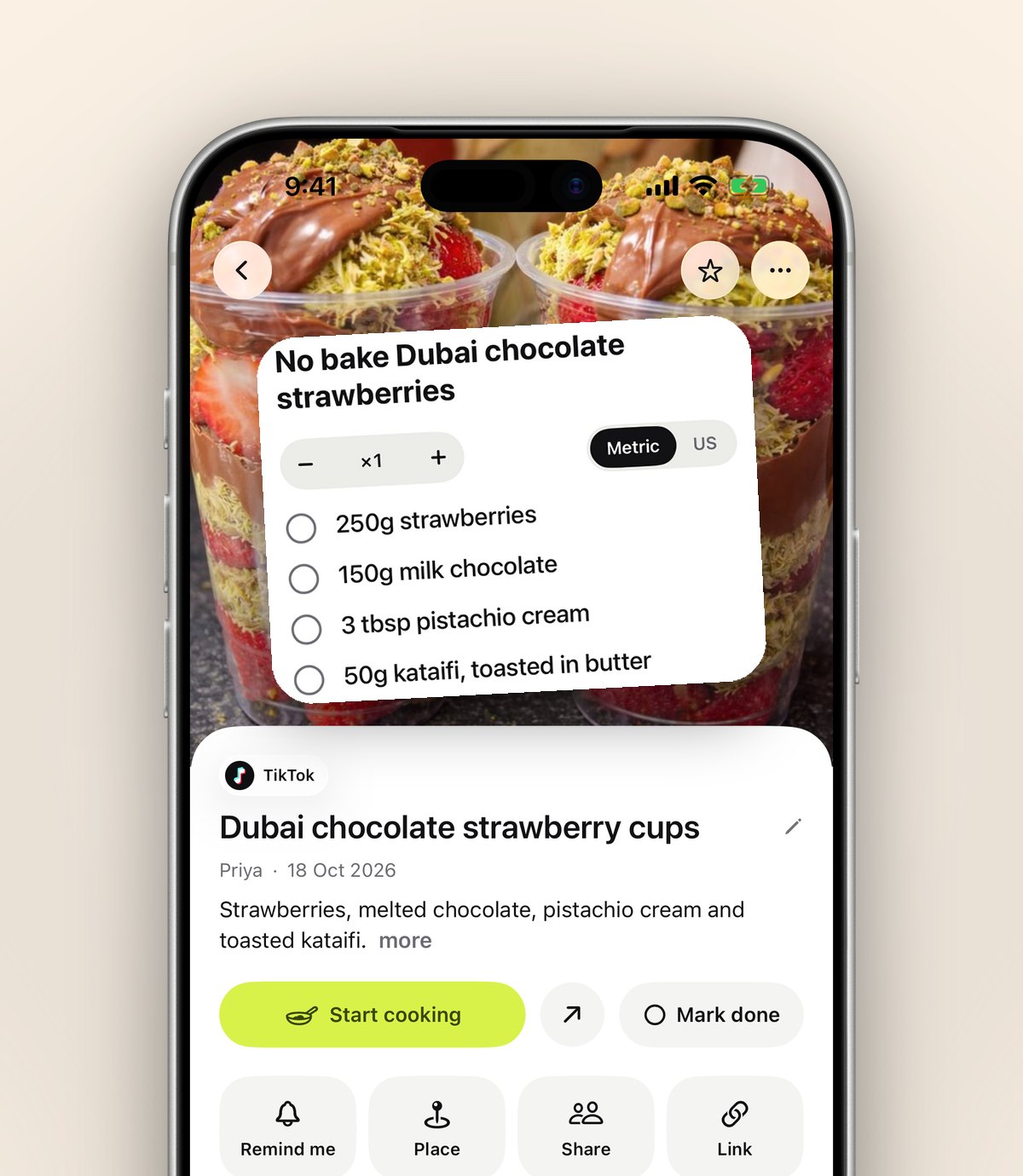
Saved recipes on Instagram vanish into one endless grid. Here's a simple way to keep every recipe reel sorted and ready when you're cooking.
You see a recipe reel, tap save, and promise yourself you'll make it this weekend. Three weeks later you're scrolling through hundreds of saved posts trying to remember whether it was the pasta or the curry, and who posted it.
Instagram's Saved tab was built for keeping things, not for finding them. Everything lands in one grid, newest first, with no search. Collections help a little, but only if you remember to pick one every single time.
Why saved recipes get lost
- Everything sits in one place: recipes next to outfits, memes and holiday spots.
- There's no search, so you have to remember roughly when you saved it.
- The recipe itself is often in the caption, which you can't see from the grid.
- If the creator deletes or archives the post, it disappears from your saves too.
A better way: share it, don't just save it
Instead of tapping the bookmark, tap Share on the reel and choose anoli. It reads the caption, sees it's a recipe and puts it in your Recipes folder. You don't pick anything, and it takes about a second.
Because anoli keeps the caption, you can search for the ingredient later. Type "halloumi" and the reel turns up, even if you can't remember who made it.
Cooking from your saves
When it's time to cook, open the recipe in anoli and turn on cooking mode. Your screen stays on and the steps are big enough to read from across the kitchen, so you're not unlocking your phone with floury hands.
Keep it going
- Make a few folders that match how you cook: weeknight dinners, baking, meal prep.
- Move a save once and anoli learns where similar recipes should go next time.
- Share a folder with whoever you live with, so the shopping list and the recipe are in the same place.
Your old Instagram saves don't have to stay stuck either. anoli can bring in posts you've already saved, so the recipes from last year end up sorted too.
Try it with your own saves
Free to start on iPhone and iPad. See what people say.