
How to keep a list of London restaurants you see on TikTok
· 8 min read
THE SHORT ANSWER
The easiest way to keep a list of London restaurants from TikTok is to share each video to one app that sorts it by area and lets you add notes, instead of tapping Favourite. anoli is a free iPhone app that saves TikToks, reels and web pages into folders, so your London list stays searchable, can be seen on a map and can be shared with friends.
London food TikTok never stops. A smash burger in Peckham, a tiny pasta bar in Soho, a bakery in Hackney with a queue round the corner, a Sunday roast someone swears is the best in the city. You tap the bookmark, think "we have to go there", and carry on scrolling.
Then Friday comes, someone in the group chat asks where to eat, and your mind goes blank. The place is somewhere in your favourites, between a skincare routine and a dog video, and you can't remember its name or which part of London it was in. This guide shows you how to build a London restaurant list that actually works when you're hungry.
Why do TikTok food spots get lost?
TikTok is brilliant at showing you places. It's much less good at helping you find them again. A few things work against you:
- Favourites are one long scroll, newest first, with every topic mixed together.
- The restaurant name is often only said out loud in the video, or tucked into a hashtag.
- Collections exist, but you have to choose one at the moment you save, and most of us don't.
- When a creator deletes a video or makes it private, it can vanish from your favourites without warning.
If you want the full picture of how TikTok's own saving works, our guide on where saved TikToks go walks through it. Here we'll focus on London restaurants and what makes a list of them useful.
What makes a good London restaurant list?
Before setting anything up, it helps to know what you'll want from the list on the night. In London that usually comes down to four things:
- Where it is. London is big. A place in Walthamstow is no help if you're meeting friends in Clapham.
- What kind of meal it is. Brunch, a quick lunch, a date night, a birthday dinner for eight.
- The practical details. Do you need to book? Is it walk ins only? Cash only? Roughly how much is it?
- Why you saved it. The one dish everyone orders, or the reason the video made you want to go.
A list that holds those four things is one you can open on a bus and make a decision from in under a minute.
How do you save London restaurants from TikTok into one list?
The trick is to stop relying on the bookmark and use the Share button instead. Sharing sends the video, with its caption, to an app built for keeping things. Here's how to do it with anoli, a free iPhone app that saves posts from TikTok, Instagram and any website into folders.
Set it up once
- 1Open any TikTok and tap the Share arrow.
- 2In the row of apps, scroll to the end and tap More.
- 3Tap Edit, switch the app on, and drag it to the front of the row.
- 4Tap Done. From now on it sits right at the start of your share options.
If it doesn't show up in the share sheet, our support page has a short checklist that fixes it.
Then save each place in a second
- 1When a London spot comes up, tap Share and choose anoli.
- 2The app reads the caption and files the video for you, so a food spot lands with your other food spots.
- 3If it isn't sure where something belongs, it waits in Needs sorting, where you can file it with one tap.
- 4Move a save once and it learns from it, so the next similar video goes to the right place by itself.
That's the whole habit. No typing, no picking a collection every time, no screenshots.
How should you organise London restaurants: by area or by cuisine?
Most people start by cuisine: Italian, Japanese, brunch, burgers. It feels natural, but in London the first question is almost always "where are we meeting?" So we'd suggest area first, with a few occasion folders on top.
Folders by area
You can put folders inside folders, so you can make one London food folder and then a handful of areas inside it. Keep it rough. You don't need every postcode:
- Central (Soho, Covent Garden, Fitzrovia)
- East (Shoreditch, Hackney, Dalston)
- South (Peckham, Brixton, Clapham)
- North (Islington, Camden, Stoke Newington)
- West (Notting Hill, Shepherd's Bush, Hammersmith)
Each folder shows its three latest saves peeking out, so you can see at a glance what's in Peckham without opening it. Give each one a colour, an emoji or a cover photo so they're easy to tell apart.
A few occasion folders
On top of areas, a small number of occasion folders are worth having: Date night, Big group, Cheap eats and Brunch. Don't make twenty. Four or five you'll actually use is better than a perfect system you abandon in a month.
Tip: if a place fits two folders, keep it in its area and add a note like "good for groups". Search will find the note later, so you don't need copies in several places.
Add the details you'll forget
The video tells you why a place looks good. It rarely tells you the things you need on the night. When you save a restaurant, take ten seconds to add a note. A few examples:
- "Walk ins only, go before 6."
- "Get the brown butter gnocchi."
- "About £30 a head with drinks."
- "Sarah recommended this too."
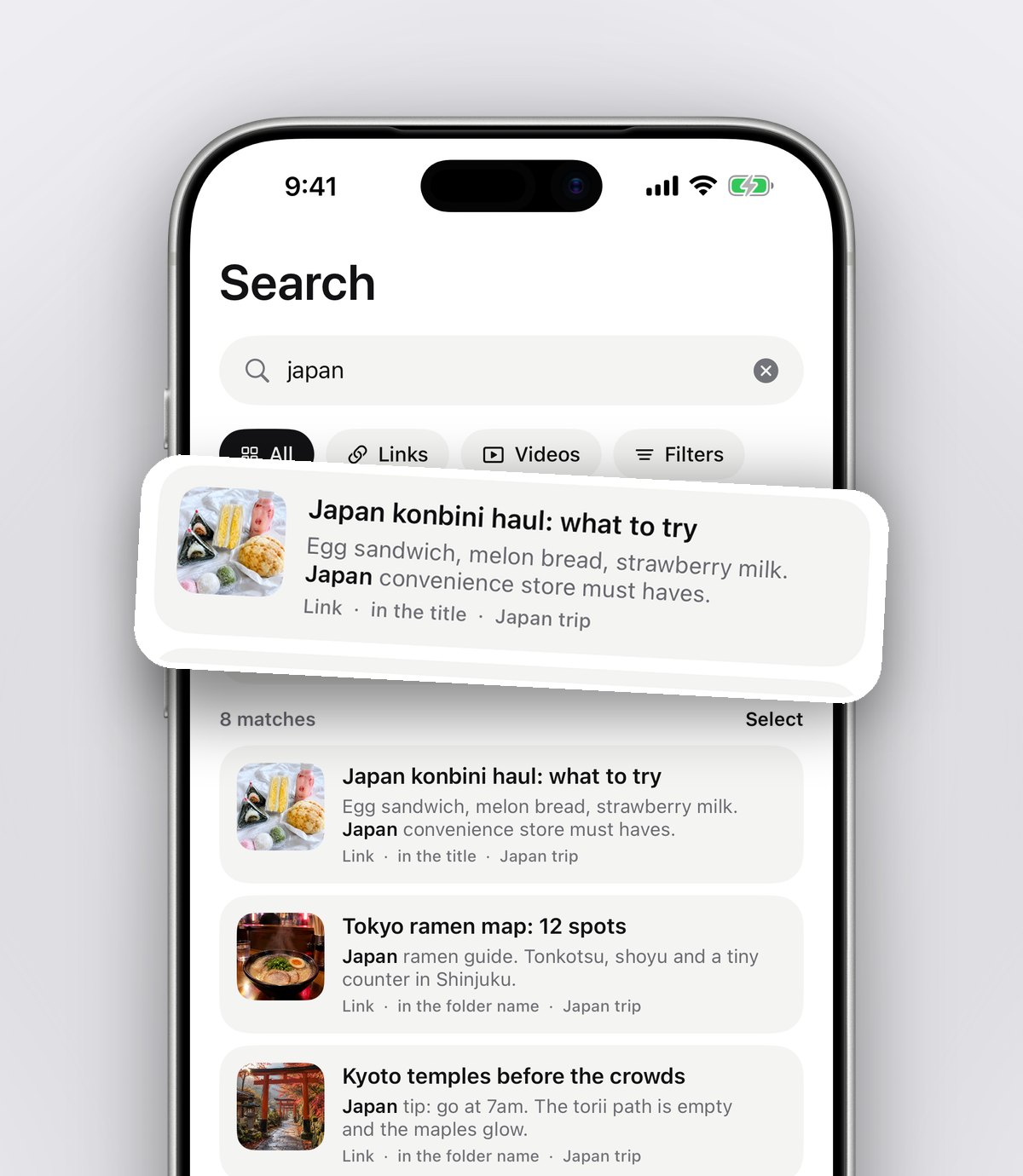
Notes are searchable along with the caption and the creator's name. Months later you can type "gnocchi" or "walk ins" and the right place appears, with the matching line shown so you know why it came up.
Finding the right place on the night
This is where the list pays for itself. Say you're meeting friends near London Bridge after work. You have a few ways in:
- 1Open your South folder and scroll the saves, each with the original video still playable.
- 2Search for a word you remember, like "ramen" or "rooftop", and filter to links or videos.
- 3Look at your saved places on a map, so you can see which spots are close to where you'll be.
- 4Tap the video to rewatch it inside the app, with pause, scrubbing and speed controls, so you can check the dish without TikTok's feed pulling you away.
Tip: restaurants in London open and close quickly. Before you head out, check the place's own website or a map listing for opening times and whether it's still trading.
Can you share a restaurant list with friends?
Yes, and for food spots it's one of the most useful things you can do. In anoli, a shared folder (called Folders with friends, part of Pro) works like this:
- 1Open your London food folder, tap the ⋯ menu and choose Share.
- 2Send the link to your friend, partner or the group chat.
- 3Anyone with the link can view the folder on the web. Friends who join in the app can add their own finds.
- 4Everything either of you saves lands in the same folder, with reactions and a conversation on every save.
When the group can't agree, use Decide together from the folder's ⋯ menu. Everyone swipes on the saves, and you find the places you all like without a forty message debate. It's the same idea as our guide to planning a trip from saved posts, just closer to home.
What are the other ways to keep a London restaurant list?
There's no single right tool, and plenty of people use more than one. Here's an honest look at the common options and what each is good for.
TikTok collections
Good for: staying inside TikTok. If you're disciplined about choosing a collection every time, they work. They don't let you add notes, and searching inside your favourites is limited.
Google Maps saved lists
Good for: navigation. Saving a place to a Maps list puts a pin on the map, which is great once you know the name. The catch is that you have to work out the restaurant's name from the video first, and the list doesn't keep the video that made you want to go.
Apple Notes or a spreadsheet
Good for: people who like typing. A note with restaurant names and areas is quick to make and free. It just takes manual work every time, and links pasted into a note don't sort themselves.
A save app like anoli
Good for: keeping the video, the caption, your notes and the place together, sorted for you, from TikTok and every other app. You can still open the restaurant in Google Maps when it's time to go. If you also save food spots from Instagram, the same folders hold those too, and our post on saving TikTok videos into folders goes deeper on the TikTok side.
Bring in the places you've already saved
If your TikTok favourites are already full of London spots, you don't have to start again. Request your data from TikTok in JSON format, download the file to your iPhone, then go to Settings and Import saved posts in the app. Your TikTok collections become folders and everything else is sorted like a new save. Food spots end up with food spots, and you can move them into your area folders from there.
Keep the list alive
A restaurant list is only useful if it stays current. A little upkeep goes a long way:
- After you go, mark the save as done, or add a one line verdict in the note: "amazing, go back" or "overrated".
- Set a reminder on a place you want to try for a birthday or a payday treat.
- Every few months, clear out places that have closed.
- Keep your favourites in a Tried and loved folder, so when visitors ask for recommendations you can send them one link.
Start your London list today
You don't need to sort your whole history tonight. Start with the next London restaurant that pops up on your For You page: tap Share, pick the app, and add a quick note. In a month you'll have a list you trust, organised by the part of town you're actually in.
It's free to start, with no account and no card needed. You can download anoli on the App Store, read what people say on our reviews page, or see everything else it does on the anoli home page.
Questions people ask
How do I save a restaurant from TikTok?
Tap the Share arrow on the video and choose an app to send it to, such as a save app. Unlike Favourites, sharing lets you keep the restaurant in a folder with your own notes.
Can I see my saved TikTok restaurants on a map?
TikTok itself doesn't map your favourites. In a save app like anoli, saved places can be seen on a map, so you can spot which restaurants are near where you'll be.
How do I share a list of restaurants with friends?
Open the folder, tap the ⋯ menu and choose Share, then send the link. Anyone with the link can view it on the web, and friends who join can add their own places. Shared folders are part of the Pro plan.
Is there an app for London restaurant wishlists?
A save app works well as one. anoli saves restaurants from TikTok, Instagram and websites into folders you can organise by area, with notes, search and a map. It's a free iPhone app made in the UK.
What happens if the TikTok video gets deleted?
Videos can disappear when creators delete them or make them private. Adding the restaurant's name and your own notes when you save it means you still know where you wanted to go.
Try it with your own saves
Free to start on iPhone and iPad. See what people say.