
A study organiser app for students: links, PDFs and notes in one place
· 7 min read
THE SHORT ANSWER
A good study organiser keeps every reading, PDF, link, video and note for a module in one searchable place. anoli is a free iPhone and iPad app that saves links, PDFs, notes, photos and videos into folders per module, searches inside PDFs and notes, lets you read EPUB and PDF books and pick up at the exact page, and syncs pages saved from a laptop with its Chrome extension.
University reading doesn't arrive in one place. There's a reading list on the module page, PDFs in the virtual learning environment, journal articles behind a library login, a YouTube channel that explains the topic better than the lecture, a TikTok with a revision trick, photos of the whiteboard and notes you made on the bus. By week six, finding the one paper you need for an essay takes longer than reading it.
A study organiser app should fix that by giving every module one home. This guide shows you how to set one up on your iPhone, get everything into it from your phone and laptop, read and search your PDFs, and keep it going through to exams, with an honest look at which other tools are better for specific jobs.
What should a student keep in a study organiser?
Think about everything you open when you sit down to study a topic:
- Reading list links and library pages
- Journal articles and chapters as PDFs
- Lecture slides and handouts
- YouTube explainers and recorded talks
- Revision tips from TikTok and Instagram
- Photos of whiteboards, slides and textbook pages
- Your own notes and essay plans
- Ebooks for set texts
If all of those live in one folder per module, studying starts with opening one folder rather than eight tabs.
How do you set up folders for your modules?
You can put folders inside folders, which suits how a degree is organised.
- 1Make a folder for this year or term, such as Year 2 or Autumn term.
- 2Inside it, make one folder per module, named the way your timetable names it.
- 3Inside a busy module, add folders for weeks or topics, plus Assessments and Revision.
- 4Give each module a colour or emoji, so you can find it in a second between lectures.
Each folder shows its three latest saves peeking out, so you can see what you added last without opening it. Things you save from other apps are sorted for you, and anything the app isn't sure about waits in Needs sorting for one tap. Moving a save teaches it where similar things belong.
Tip: Name folders by module code and a short name, like "EEE2017 Signals". Codes are what lecturers use in emails, so search finds them both ways.
How do you get readings and links into it?
From your laptop
Most research happens on a laptop. The Anoli extension on the Chrome Web Store saves the page you're on with one click, and it appears on your phone. Use it for journal abstracts, library catalogue pages, articles and reading list links.
From your phone
On iPhone, tap Share in Safari, YouTube, Instagram, TikTok or any other app, and choose the app. The first time, scroll the app row to the end, tap More, then Edit, switch it on and drag it to the front. If anything doesn't work as expected, the support page has fixes for common setup problems.
PDFs and files
Save PDFs from Files, Mail or a browser to the right module folder. Photos of whiteboards and handouts can go in too, and PDFs and photos can be combined into one file, which is perfect for turning six photos of a handout into one document. Unlimited notes, photos and files are part of anoli Pro.
If you mostly save web links, the guide on saving links on iPhone covers more ways to do it.
How do you read and annotate PDFs and ebooks?
Books in anoli let you read your own EPUB and PDF books and continue at the exact page. That's useful for set texts and long readings you get through over several sittings: open the book on the train and you're back where you stopped.
For each reading, add a note to the save with the points you want to remember and the page numbers. A good habit is three lines per reading:
- 1What's the main argument, in one sentence?
- 2What's the best evidence or example?
- 3Where might I use it: which essay, seminar or exam question?
Those three lines are far more useful at revision time than highlighting the whole PDF.
How do you find things again when you need them?
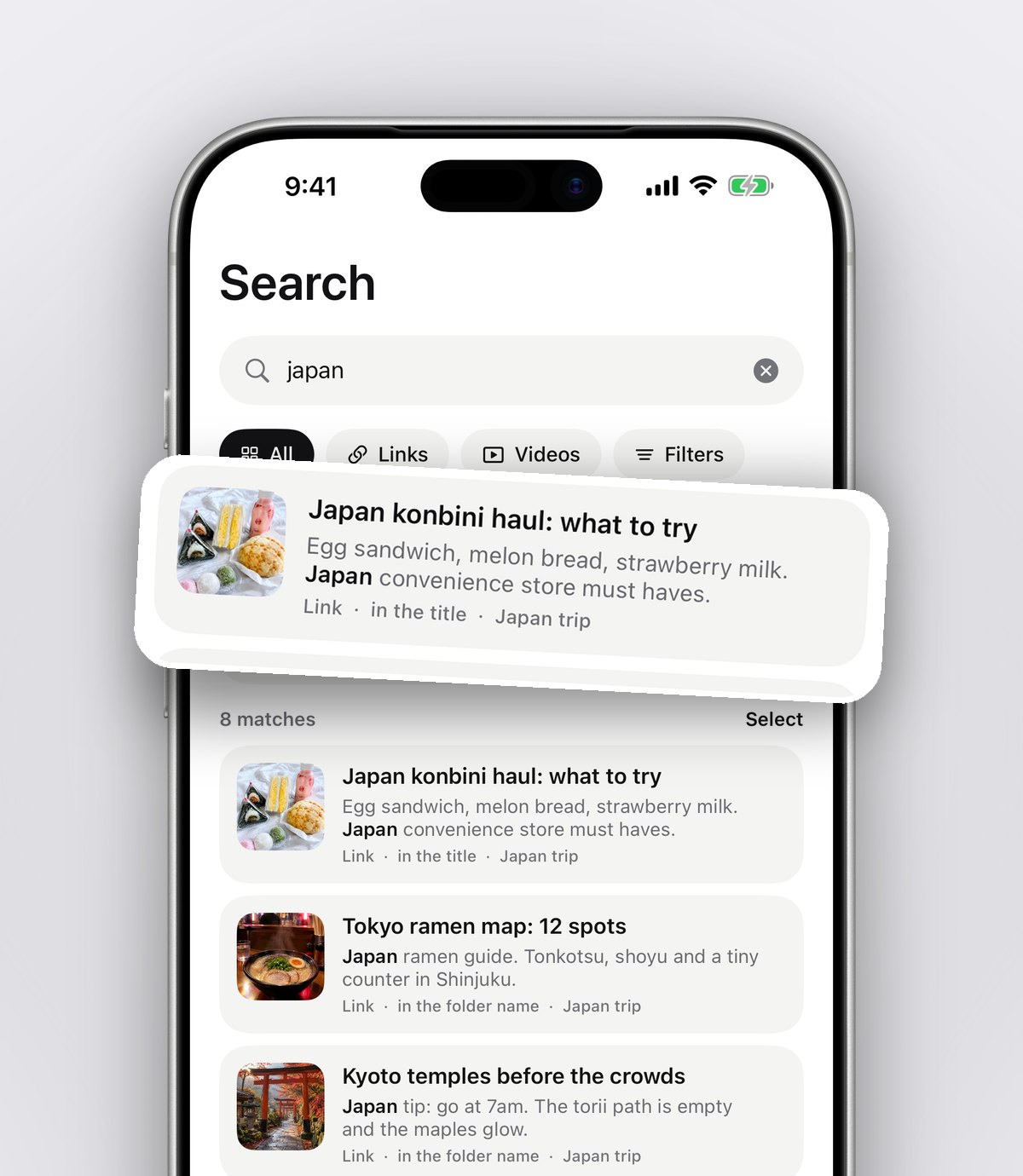
Search is the part that makes a study organiser worth it. Search looks inside notes, captions, transcripts, PDFs, tags and creators, and shows you the matching line. So typing "Fourier" finds the lecture slides, the PDF chapter, the YouTube explainer and your own notes that mention it, all at once.
You can filter by links, notes, photos, videos or files when you only want one kind, and the calendar shows what you saved on a particular day, which is handy for "the paper the lecturer mentioned in week three".
Can a study organiser summarise videos and long captions?
With anoli Pro, tap Summarise and a long caption becomes something you can read quickly. Attach a video and the app listens to what's said in it, so a long explainer becomes a searchable transcript. That's useful for finding the part of a video where a concept is explained.
Treat summaries as a way to find and revisit material, not as a replacement for reading or watching it. Your university's rules on academic integrity apply to how you use any tool, and in essays you should always cite the original source.
How do you work on group projects?
Folders with friends, part of anoli Pro, lets you send one link and a classmate is in. Everything any of you saves lands in the folder, and each save has reactions and a conversation. It's a tidy alternative to a group chat full of links for a group presentation or a shared revision folder. Anyone with the link can also view the folder on the web.
How do you stay on top of deadlines?
- Save the assignment brief to the module's Assessments folder.
- Set a reminder on it a week before the deadline, and another two days before.
- Mark readings as done when you've finished them, so you can see what's left before a seminar.
- At the end of each week, open each module folder and check nothing is waiting in Needs sorting.
Tip: Before exams, make a Revision folder inside each module and move in only the saves you'd want to look at again. A short, focused folder is far less scary than a whole term's worth.
What does a simple weekly study routine look like?
Tools only help if you use them regularly. Here's a weekly routine that takes about half an hour and keeps every module under control.
- 1Monday: open each module folder and look at what's due this week. Set reminders for anything with a deadline.
- 2After each lecture: save the slides and any links mentioned to the module folder, and add one line about the main idea while it's fresh.
- 3Midweek: do the week's readings, writing three lines on each as you go.
- 4Friday: clear Needs sorting, mark finished readings as done and move anything useful for an assignment into that assignment's folder.
- 5Sunday: open the Revision folder and reread your notes from the week. Ten minutes of rereading now saves hours before exams.
The routine is deliberately boring. That's what makes it stick through busy weeks, deadlines and nights out.
Which study apps are best for what?
A study organiser works best alongside a couple of specialist tools. Here's an honest view.
- Zotero: a free, open source reference manager. It's the best choice for building a bibliography and citing sources in essays. Use it for citations.
- Notion: great for structured notes, timetables and planning, especially if you like building pages.
- GoodNotes, Notability or OneNote: excellent for handwritten notes on an iPad.
- Google Drive or OneDrive: where your essays and shared documents live, and where group work gets written.
- anoli: gathers readings, links, PDFs, videos and posts from every app and your laptop into one folder per module, with search inside PDFs and notes and a reader that remembers your page.
Many students use three: a reference manager, a writing tool and a place to gather everything. If you like the idea of a broader system, the post on building a simple second brain on your phone shows how the same approach works for life outside your course. And for long video lectures, see saving YouTube videos to watch later.
Is it affordable on a student budget?
anoli is free to start, with no account and no card. anoli Pro, which adds unlimited saves, notes, photos and files, summaries, transcripts and shared folders, is £10 a year through the App Store and can be cancelled any time in your iPhone settings.
Set up this term in twenty minutes
Make a folder for each module, install the Chrome extension on your laptop, and save the next reading you open. By the end of the week, studying starts with one folder instead of a hunt.
Download anoli on the App Store, read reviews from people who use it, or see what else it does on the anoli home page.
Questions people ask
What is the best organiser app for university students?
It depends on the job: Zotero for references, Notion or OneNote for notes, and a save app like anoli to gather readings, PDFs, links and videos for each module in one searchable place.
Can I save PDFs for uni on my iPhone and search inside them?
Yes. anoli saves PDFs into folders and its search looks inside PDFs, notes and captions, showing the matching line.
Can I read EPUB textbooks on iPhone and keep my place?
Yes. anoli can open your own EPUB and PDF books and continue at the exact page where you stopped.
Can I save web pages from my laptop to my phone?
Yes. Install the Anoli extension from the Chrome Web Store, click it on any page, and the page appears in anoli on your phone.
Does anoli create citations?
No. For citations and bibliographies use a reference manager such as Zotero. anoli is for gathering and finding your study material.
Try it with your own saves
Free to start on iPhone and iPad. See what people say.